

LM Studio
Download and chat with local AI models through a friendly interface.

Short answers about running AI on your own device, and about RLocal AI.

Local AI is the artificial intelligence system that directly runs on your own device rather than relying on cloud servers. The biggest difference between local AI and cloud AI is that the former can be run offline and has no per-token fees.
People run local AI mainly for privacy and cost. Conversations on local AI are stored on your device, while on cloud AI are sent to the provider's server. Besides, no per-token fees or subscriptions are required.
In general, running a local AI model requires a computer with at least 16GB of RAM. It's reliable to handle text-only tasks with 16GB computers. But for other tasks such as image editing, coding, you need to prepare a computer with 32GB or more.
LM Studio, LocalAI, and RLocal AI are top local AI desktop apps, at present, for they allow you to turn technical projects into simple operations. Just install the app on your device, open models and start chatting instantly, no more steps. Among them, Local AI is more complicated as it needs to download Stardock first, while the other two can be downloaded directly.
Download and chat with local AI models through a friendly interface.

An open-source software that supports dozens of backends and is ideal for developers.

Free local AI app with open models for texts, image generation, video generation, text to speech, coding, and more.
AI model, the essential part of artificial intelligence, is a software program that can understand, analyze, predict, or generate content after large data training. Up to now, AI models are divided into these categories: LLMs (large language models), image generation models, computer vision models, audio models, video generation models.
Yes. Most local models are open-weight and free to download, such as popular Gemma, Qwen, and Llama. Run these models on your machine to start chatting, no per-token or subscription fees.
We give a list of some popular local AI models according to the category. Choose one to download and chat after downloading our product RLocal AI.
To select a proper model, define your main tasks first. Then choose a model that can be smoothly run on your hardware. The larger model requires more RAM. This is also the answer to the question of how to select a model in LM Studio.
A large language model (LLM) is an AI system trained based on huge amounts of text to understand the context and generate human language. A basic LLM can answer questions, summarize, translate, and write. An advanced large language model, technically referred to as multimodal LLMs, can process data rather than text, including image, video, and audio.
We can break down the working principle of running an LLM into three steps. User Input: The user enters a question or instruction in the box. Tokenization: The model converts the input words into smaller units, technically referred to tokens. Context Processing: It analyzes the relationships between tokens and their context, and makes predictions of the next ones. Text Generation: The model repeatedly predicts the next token until it generates a complete response. That is the answer to your question.
LLM is a subset of generative AI. Generative AI refers to a broad category of AI models that can generate any kind of new content, not limited to text. LLM is a type of generative AI, alongside image models, audio and music models, and video models.
Local AI is just a tool and it has some limitations. Users need to pay attention to its accuracy and authenticity. At the same time, as it is offline, data timeliness is limited.
RLocal AI is a local AI desktop software developed by runailocally.ai. Text chatting, image generation and editing, video generation, music generation, coding and text to speech are all can be processed. Our website will also continue to develop other AI products.
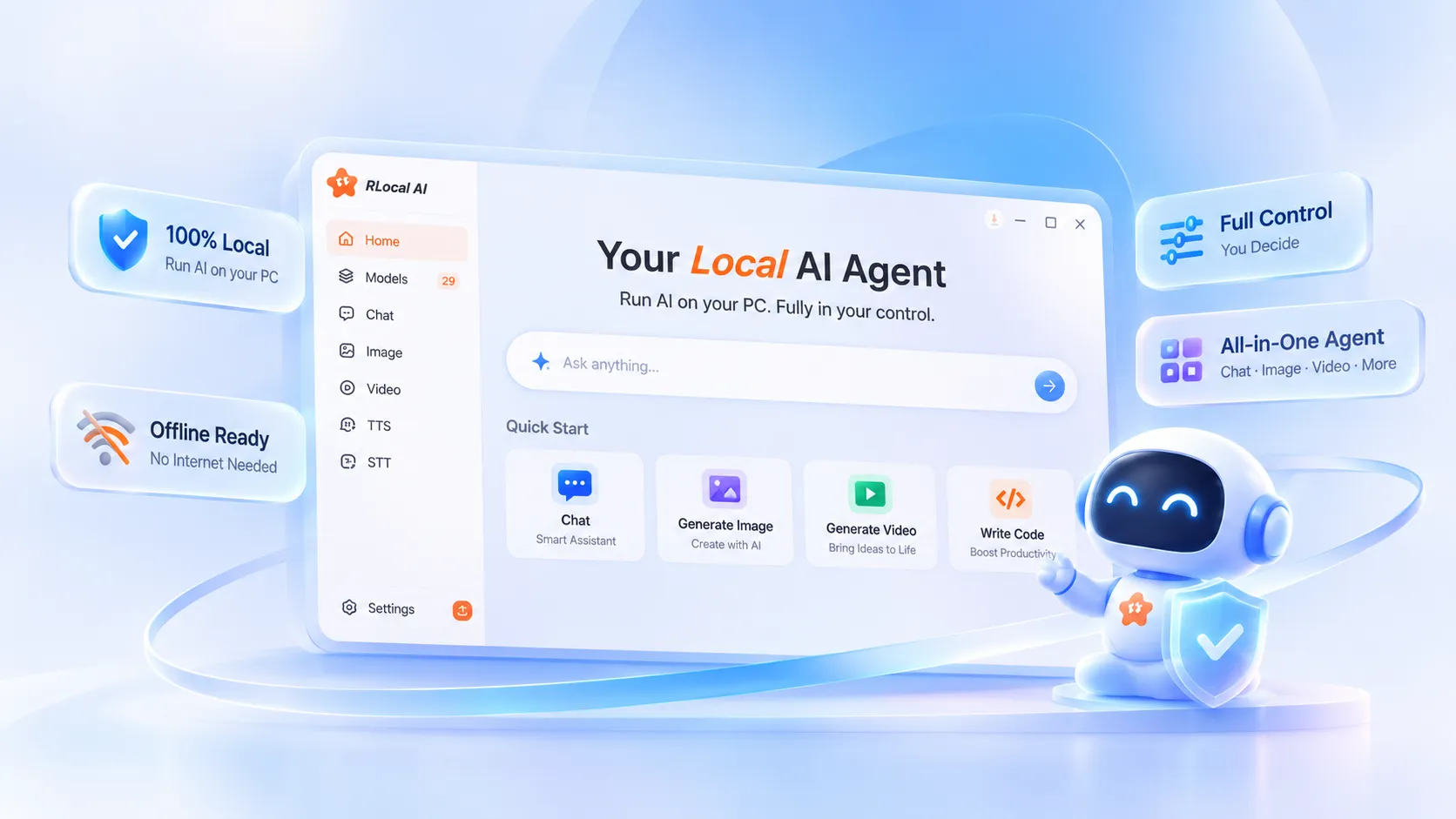
Users can download the EXE file to install directly on their own device. Download AI models in the app and start chatting to maximize productivity.
Yes. RLocal AI is totally free. All models can be downloaded for free.
Of course. RLocal AI is definitely safe and private for anyone. All your files, prompts, and outputs stay on your own device. They won't be sent to cloud servers for storing or training. Offline operation makes it more private and safer.
No. RLocal AI is not open source, but proprietary software.
Yes. RLocal AI has several AI models that help you to generate and even edit images. Besides, audio and video are also supported.
Yes. Some small LLM models can run without a dedicated GPU, but it doesn't mean it will run smoothly. GPU is strongly recommended for image generation and other complicated tasks.
Yes. The supported graphics cards include AMD RX 6600 and higher, and NVIDIA RTX 2060 and higher. Intel will be available in the future.
RLocal AI supports Windows 11 and Windows 10 operating systems. And more operating systems can be available in the future.
Are AI models within this app completely uncensored? Not totally. While AI models still impose certain content restrictions, they tend to be less restrictive than online AI services. Users are still required to adhere to relevant rules and guidelines.
Go to the download page or home page to download the RLocal AI EXE file and install it on your device.
Usually yes. But some models are large, and make sure the drive has sufficient space.
Go to Settings and check for updates directly. Or go to the official website to download the new version.
You can uninstall RLocal AI with Windows built-in uninstall feature without effort.
RLocal AI recommends models that your computer is capable of running. Then you can choose a model according to your RAM and tasks.
Yes. You can switch between models as long as you've downloaded models.
No matching questions.