Get Started
Locally AI, Offline AI, Your AI - RLocal AI

Run Local LLMs and More AI Models on Your Device

Get a new way to use AI with RLocal AI. Free to run local LLMs, AI agents, and creative AI models for chat, image, video, voice, music, and more - all on your own device. No cloud. No cost. No limit.

Locally AI App - RLocal AI
Download RLocal AI NowRun AI Locally Now

No Cloud Required

Run AI Locally with AI Models

What Is Local AI?

Local AI is AI that runs directly on your device. It uses local LLM models and other local AI models to handle tasks such as chatting, private RAG, content creation, image generation, video generation, speech recognition, voice cloning, etc. The optional AI runs entirely on your own computer, with no cloud and nothing sent anywhere.

With local AI, you can access offline AI capabilities, maintain greater control over your data, and build workflows without limits.

What Is Local AI

What Are AI Models?

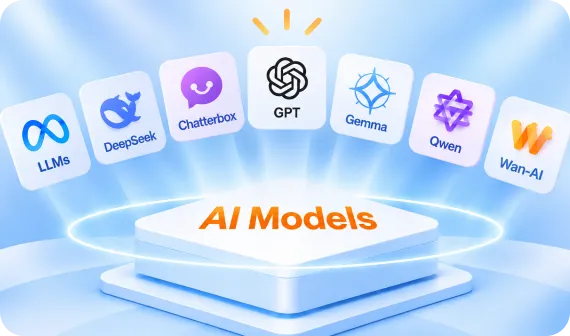
AI models are downloadable AI systems that run in a local AI app to perform tasks. When you download and launch a local AI model in a local AI app, it runs on your device to generate text, images, videos, speech, and music without sending every request to the cloud. It breaks limits, has no token needs, and is free for all.

Explore different local LLM models and the best AI model to run locally, including local AI models for chat, RAG, code, image, video, voice, CR, etc.

What Are AI Models
Download RLocal AI NowRun AI Locally Now

Local AI vs Cloud AI - Which One to Choose?

Discover how cloud AI and local AI differ in everyday use. See how running models locally can offer a more flexible and personalized experience.

Cloud AI
Local AI
Requires an internet connection
Offline
Run offline AI models anytime
Data processed on cloud servers
Privacy
Keep local files and all data on-device
Token-based or subscription fees
Cost
No per-request cloud fees, 100% free
Limited usage and restricted prompts
Usage limits
Flexible usage and simpler instructions
Strict content moderation and filtering
Censorship
More flexible content policies and fewer restrictions

Cloud AI

Offline

Requires an internet connection

Privacy

Data processed on cloud servers

Cost

Token-based or subscription fees

Usage limits

Limited usage and restricted prompts

Censorship

Strict content moderation and filtering

Local AI

Offline

Run offline AI models anytime

Privacy

Keep local files and all data on-device

Cost

No per-request cloud fees, 100% free

Usage limits

Flexible usage and simpler instructions

Censorship

More flexible content policies and fewer restrictions

Download RLocal AI NowRun AI Locally Now

Fully Offline, Fully Private, Fully Free

Meet RLocal AI – Your All-in-One Local AI Platform

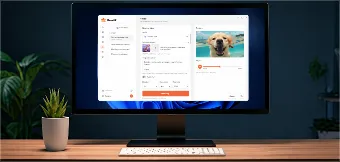
RLocal AI is a desktop application that brings diverse AI models directly to your device. You can run LLMs, image, video, multimodal, and more AI models offline on your computer. Chat, generate, query your files, and automate tasks. All AI processing runs locally.

Local AI Agent

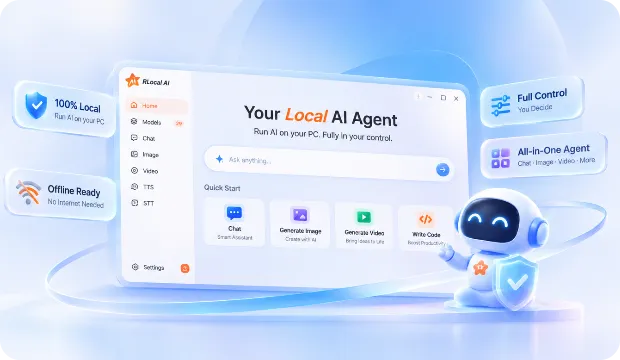
Our offline local AI agent, RLocal AI, puts you in full control, with no usage caps, no remote censorship, and simple natural language instructions. Run it entirely offline for drafting, planning, brainstorming, creation, automation, etc. Whether you’re exploring how to run AI locally or looking for a more flexible AI workflow, RLocal AI makes it easier to get things done without sending task details to external cloud servers.

Download RLocal AI NowRun AI Locally Now
RLocal AI - Local AI Agent

Multi-model Support

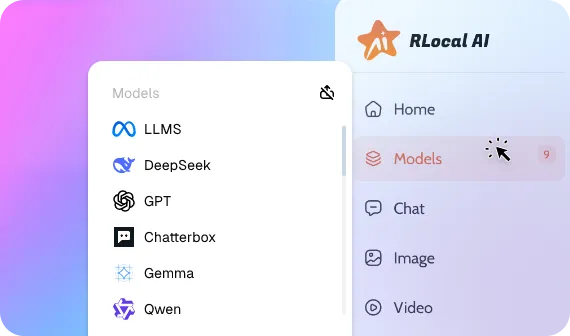
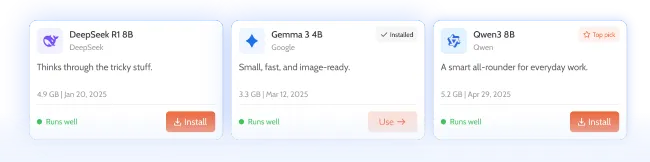
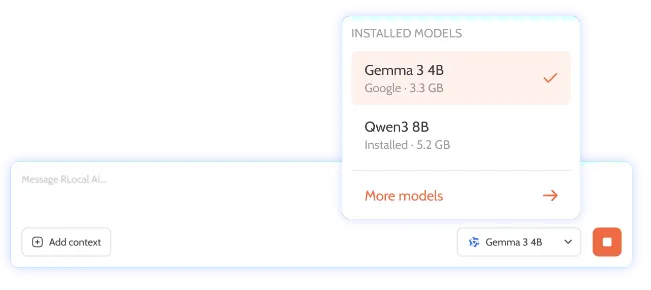
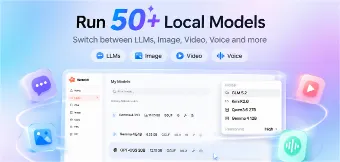
Easily run local LLMs, multimodal, and image generation models in one hub, and switch seamlessly for different tasks. Explore AI models that can run locally, from text LLMs for reasoning and writing to multimodal models for image-text analysis or image and video models for visuals. No complex manual setup, letting you quickly match the right model for your workflow.

Download RLocal AI NowRun AI Locally Now
RLocal AI - Multi Models

Private Local RAG

Why run LLM locally? Naturally, for better privacy. What LLM can I run locally? RLocal AI offers 16+ LLMs including DeepSeek, Gemma, OpenAI, and more. Use local RAG to chat and query your PDFs, notes, and documents. The system splits and indexes files locally, fetches relevant content, and lets the model answer based only on your materials. Your files never leave your device. No cloud upload.

Download RLocal AI NowRun AI Locally Now
RLocal AI - Private Local RAG

On-device Processing

All AI computation runs locally on your hardware instead of remote cloud servers. Your prompts, files, chat history, and outputs stay on your computer and won’t be sent to third parties. This removes leakage risks, stops cloud tracking, and protects your sensitive personal and work information. By running locally, you maintain greater control over how your AI tasks and data are processed.

Download RLocal AI NowRun AI Locally Now
RLocal AI - On-device No Cloud

How to Run AI Locally for Processing Easier, Broader, and Safer

How to run AI models locally? Running AI models directly on your device with RLocal AI is easy. Start using local AI in just a few simple steps.

Step 1.Download RLocal AI

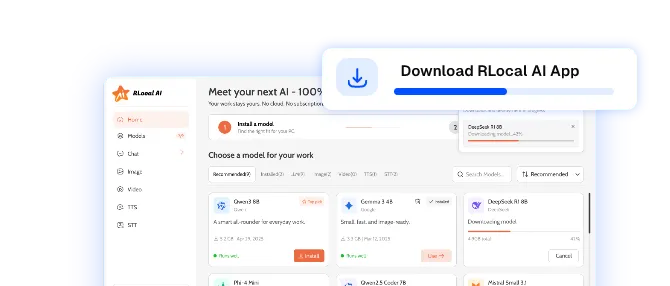
Download and install the RLocal AI app on your computer. Open the app to explore available local AI models and get ready to run AI locally.

How to Run AI Locally - Download App
Step 2.Download and Set Up a Model

How to run an LLM locally? Choose an LM model like GPT-oss-20B for text generation and reasoning. Download it and configure the available settings to match your hardware.

How to Run AI Locally - Download a Model
Step 3.Run Your AI Model Locally

Load GPT-oss-20B and start chatting, generating content, or completing other tasks with natural language prompts. You can follow the same process to run other AI models locally and easily.

How to Run AI Locally - Run AI for Free
Download RLocal AI NowRun AI Locally Now

How People Use Local AI in Everyday Life and Work

Discover how local AI fits into everyday life and work, from personal tasks and creative projects to professional workflows.

People Use Case - Professionals

Professionals

Plan and deploy local AI solutions for real-world needs. Build private RAG systems to search company knowledge, develop AI agents to automate repetitive workflows, and integrate local models into existing tools. From internal knowledge assistants to custom AI-powered applications, local AI gives professionals more control over how AI works within their organizations.
People Use Case - Workers

Workers

Make everyday office tasks easier with local AI. Summarize long documents, create presentation outlines, draft emails, and turn meeting recordings into clear notes. You can also use local RAG to search internal PDFs, spreadsheets, and work files without uploading confidential company information to external AI services.

People Use Case - Creators

Creators

Turn creative ideas into finished content with local AI. Brainstorm scripts, develop characters, organize images and reference materials, and use RAG to search your personal content library. From writing and storytelling to image, audio, and video production, you can experiment freely while keeping unpublished ideas and creative assets on your own device.

People Use Case - Developers

Developers

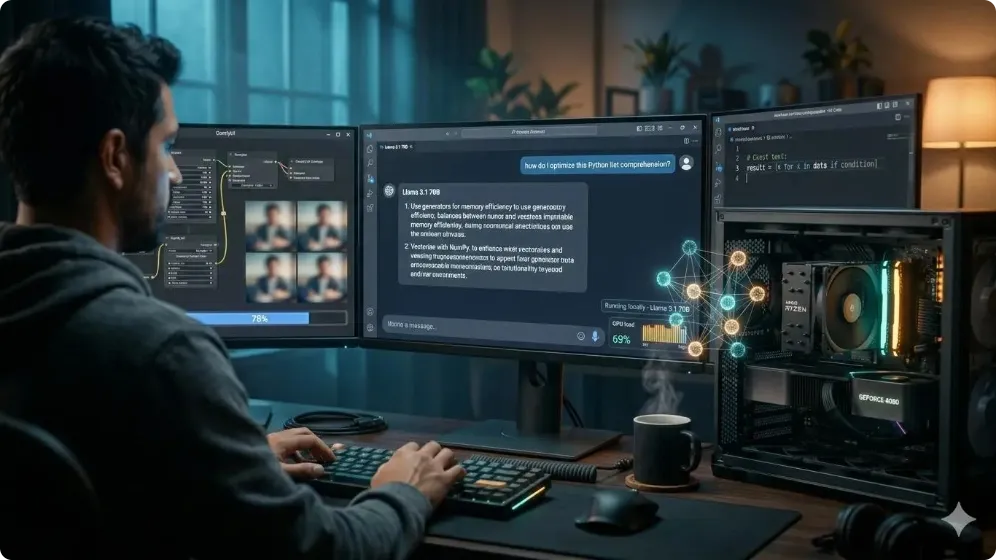
Build and test AI-powered projects in your own environment. Use local coding assistants to write or debug scripts, search private technical documentation with RAG, evaluate different models, and prototype AI applications. Local deployment also lets you experiment offline and work with sensitive code or project data without sending it to external services.

People Use Case - Students

Students

Use local AI as a study companion for everyday learning. Organize reading notes, summarize research papers, break down difficult topics, and turn study materials into practice questions. With local RAG, you can search your own PDFs, textbooks, and class notes. Some tools can also run offline, making them useful when an internet connection is unavailable.

People Use Case - AI Enthusiasts

AI Enthusiasts

Explore different local LLMs, compare model performance, and experiment with AI tools on your own computer. Run offline agents, test new models, learn how AI works, or even fine-tune models for specific tasks. Whether you're an AI hobbyist, aspiring trainer, or curious learner, local AI gives you room to experiment hands-on.

People Use Case - Privacy-First Users

Privacy-First Users

Use AI for everyday questions, personal writing, and information searches while keeping your data on your own device. Local models can process prompts and files without sending them to a cloud AI provider. This gives you greater control over personal information and how your conversations are handled, although model behavior and safeguards still vary.

Download RLocal AI NowRun AI Locally Now

Can I Run AI Locally? Hardware Requirements for Local AI

Not sure if your PC can run a local AI? You don't need an expensive workstation to get started with local AI. The right hardware depends on the models and tasks you want to run.

Basic Use

16 GB

RAM

Core i3 / Ryzen 3
GTX 1650 4GB
256 GB SSD
Lightweight models

Suitable for:

  • Small, quantized LLMs
  • Basic text generation and chat
  • Lightweight speech and recognition tasks

Advanced Use

64 GB

RAM

Core i7 / Ryzen 7
RTX 4090 / 5090
2 TB NVMe SSD
Demanding workloads

Suitable for:

  • Large local LLMs
  • Complex RAG and Agent workflows
  • Demanding image, video, and music generation

What Matters Most?

CPU & GPU

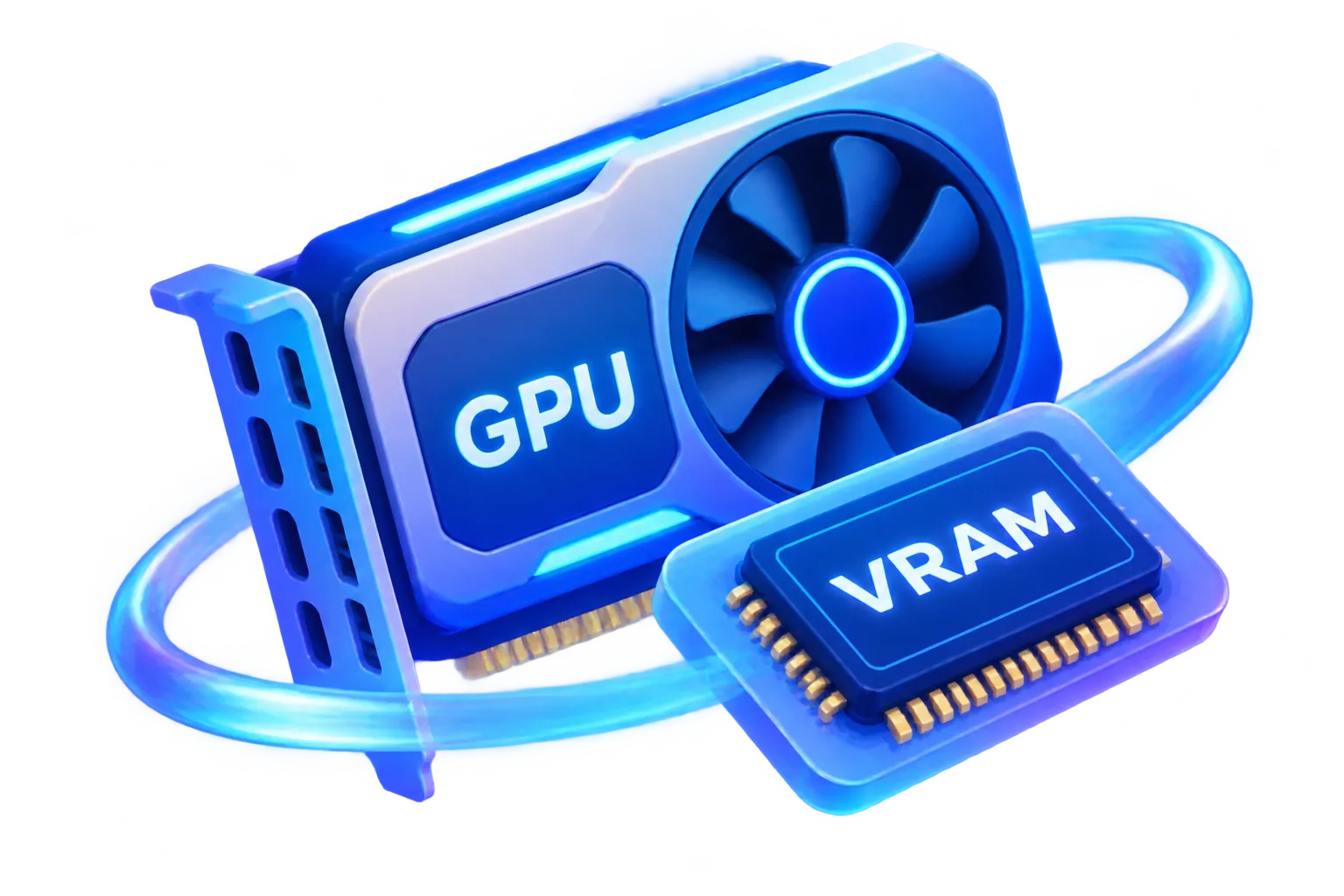
More processing power and VRAM help run larger models and accelerate inference.

RAM

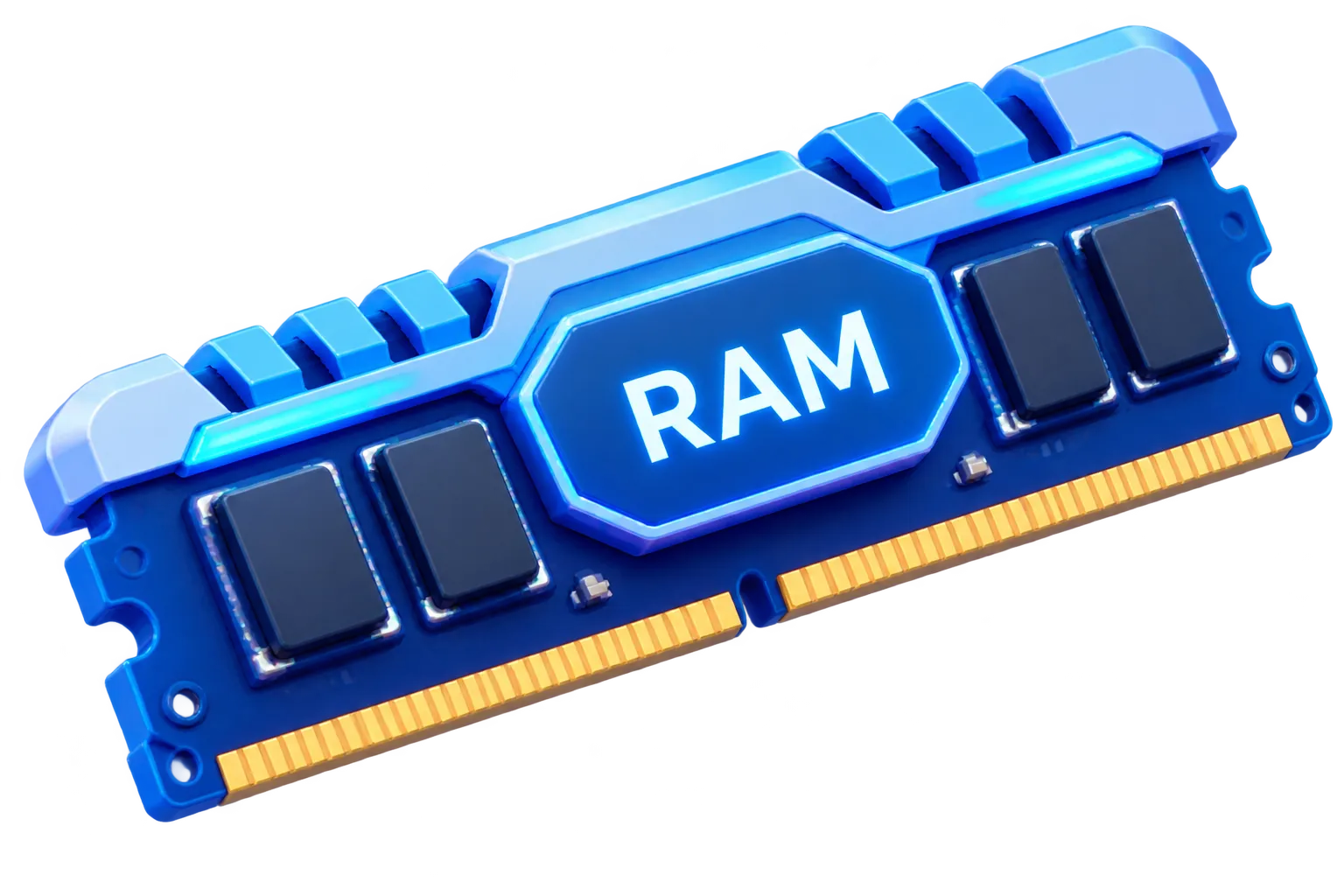
Enough memory helps load models and handle multiple tasks.

Storage

SSD space is essential for downloading and storing local AI models.

Download RLocal AI NowRun AI Locally Now

Your AI. Your Device. Your Possibilities

Explore powerful local AI models, build your own AI workflow, and bring your ideas to life. Start now and see what you can do with local AI on your own device.

Download RLocal AI NowRun AI Locally Now

Download RLocal AI to run models & streamline AI workflow.

Download RLocal AI to run models.

Get It Now